

Show your store card at the counter
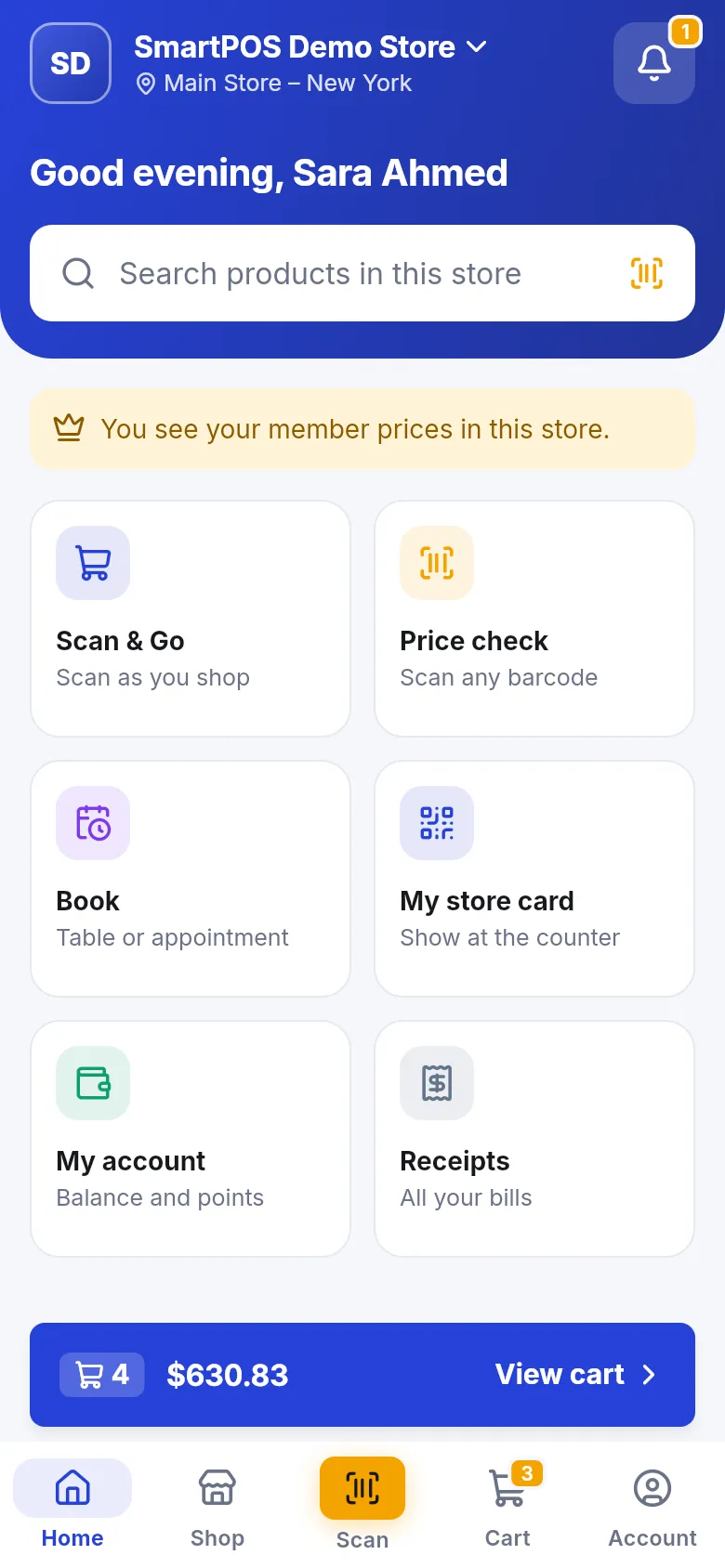
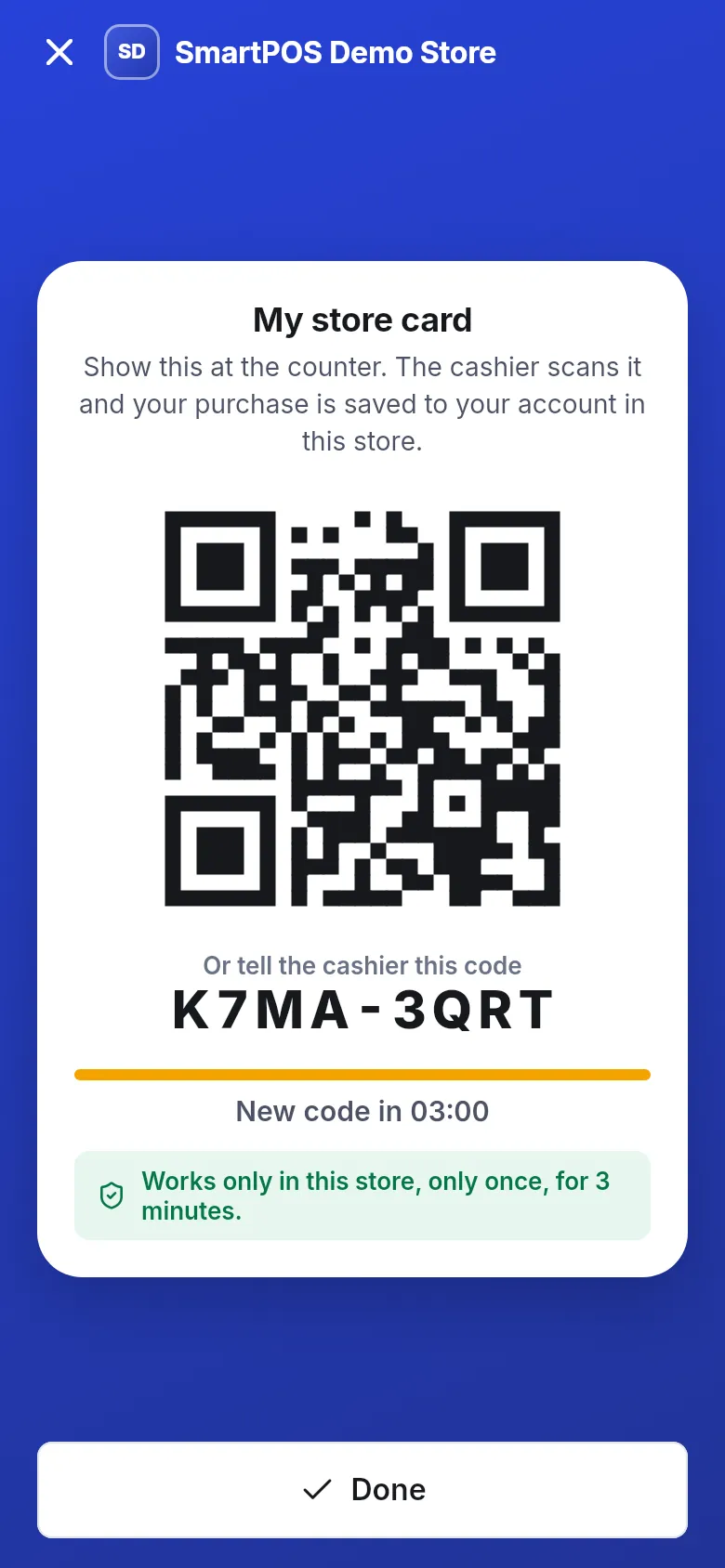
Your store card is a QR code in SmartPOS Shopper that you show at the counter. The cashier scans it, and whatever you buy is saved to your account at that store: the receipt lands in the app, reward points are added, and your purchase history stays in one place. This page shows how to open your store card and what each message means.
Before you start
Section titled “Before you start”- Sign in and join the store. You get a store card for every store you joined.
- Have internet on your phone. The card is made fresh each time and can’t be shown offline.
How do I show my store card?
Section titled “How do I show my store card?”- Open the store in the app (check the store name at the top).
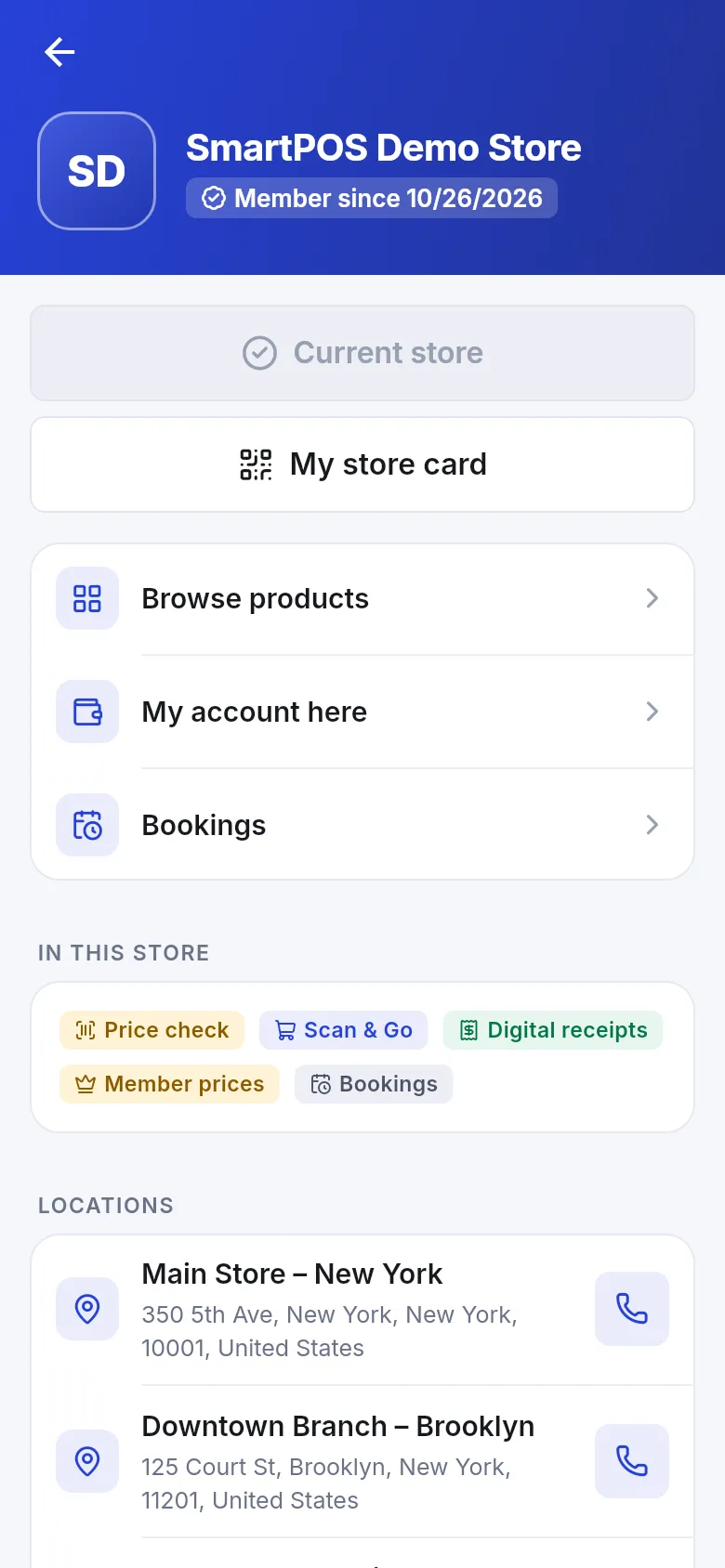
- Tap the My store card tile on Home (“Show at the counter”), or tap My store card on the store page.
- Show the QR code to the cashier. If they can’t scan it, read out the code under Or tell the cashier this code (two groups of four characters, for example K7MA-3QRT).
- The cashier scans it in their app or at the till, then rings up your items.
- Pay as usual and tap Done.
What happens when the cashier scans it?
Section titled “What happens when the cashier scans it?”- The cashier sees your name and account at this store.
- The purchase is saved to your account, so the receipt appears in the app automatically.
- Reward points are added where the store uses them.
- If your membership was waiting for approval, a cashier who may add customers approves it when they scan.
- If you also have items in your Scan & Go cart, the cashier may ask for your cart code.
What do the different card screens mean?
Section titled “What do the different card screens mean?”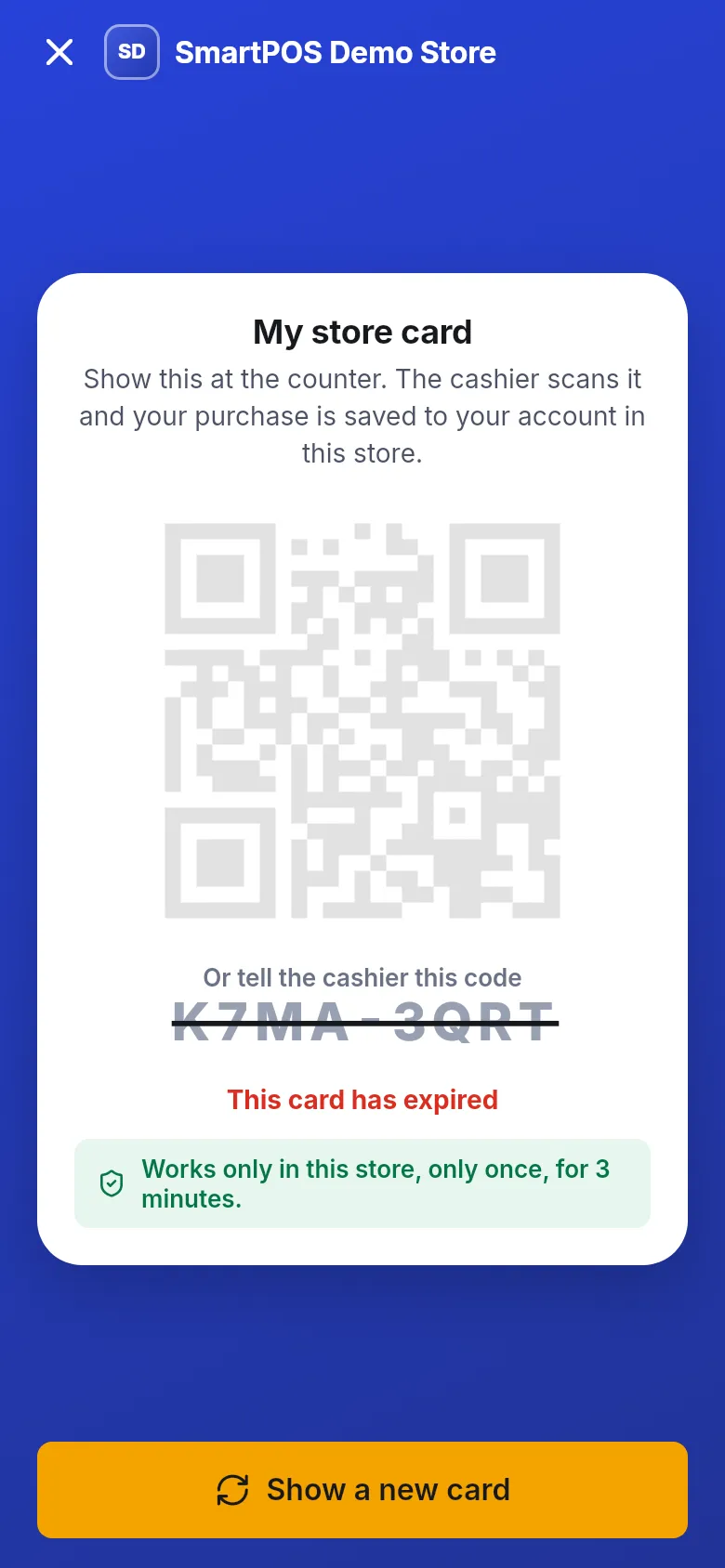
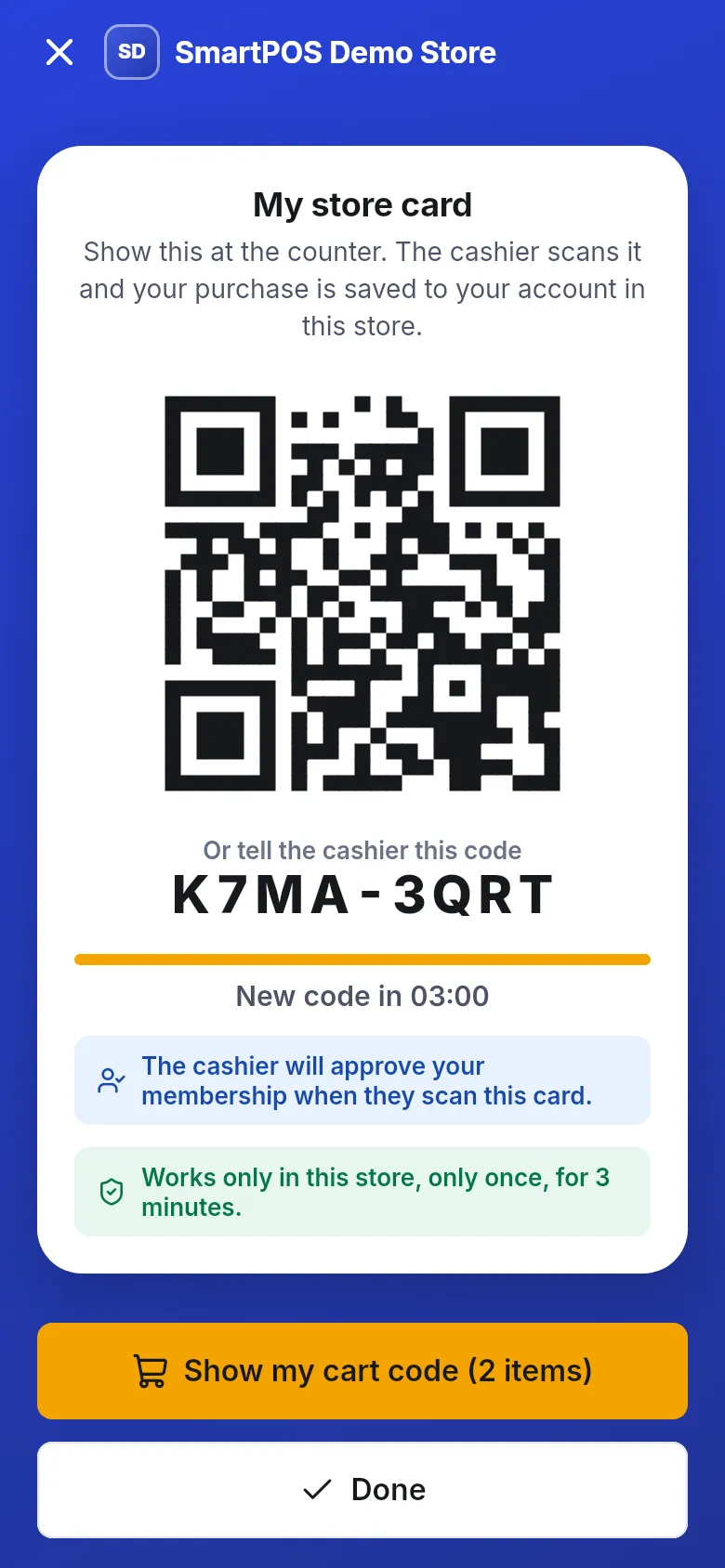
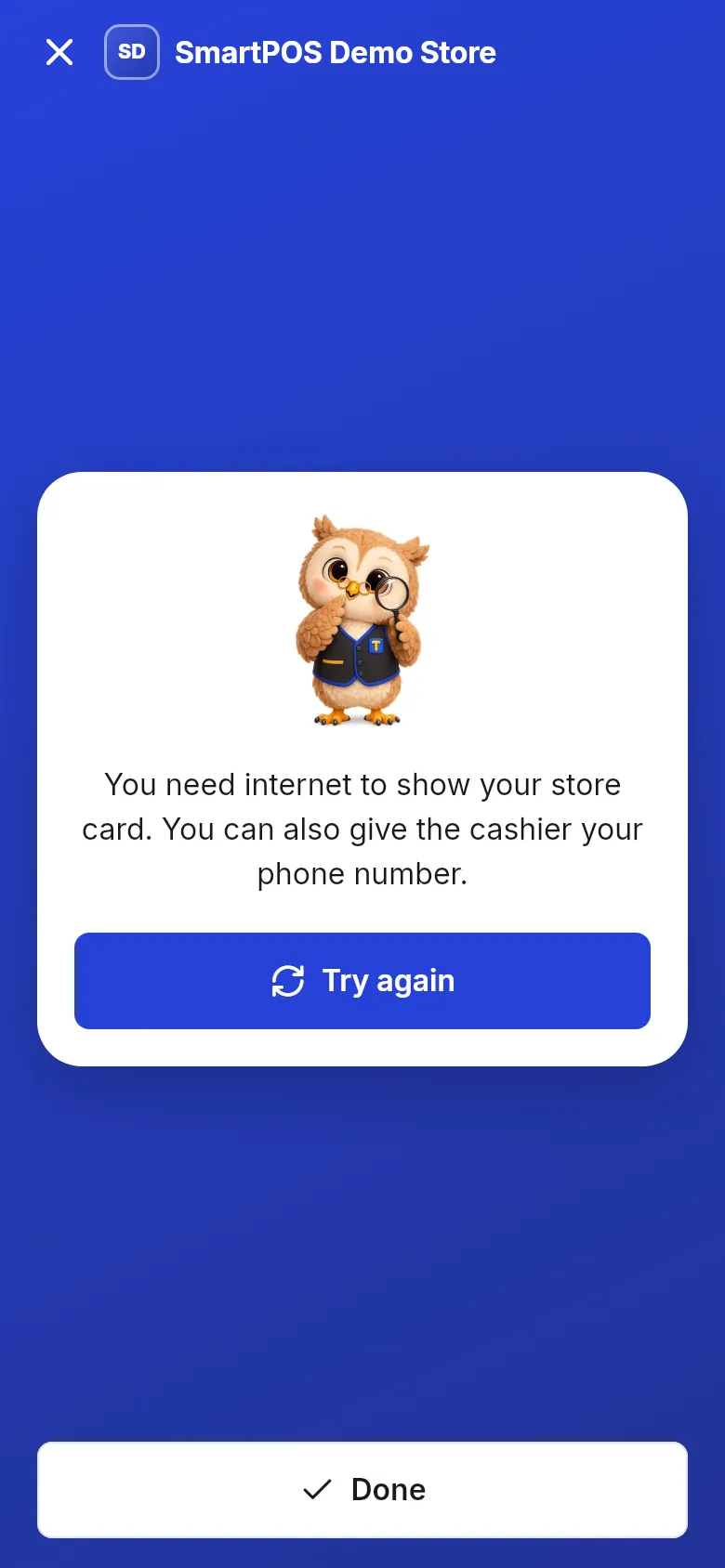
| Message | Meaning | What to do |
|---|---|---|
| This card has expired | The 3 minutes ran out. | Tap Show a new card. |
| The cashier will approve your membership when they scan this card. | The store hasn’t approved you yet. | Show the card; the cashier approves you. |
| Show my cart code (with the item count) | You have items in your cart here. | Tap it to show the cart code instead. |
| You need internet to show your store card. You can also give the cashier your phone number. | No connection. | Tap Try again when online, or give your phone number. |
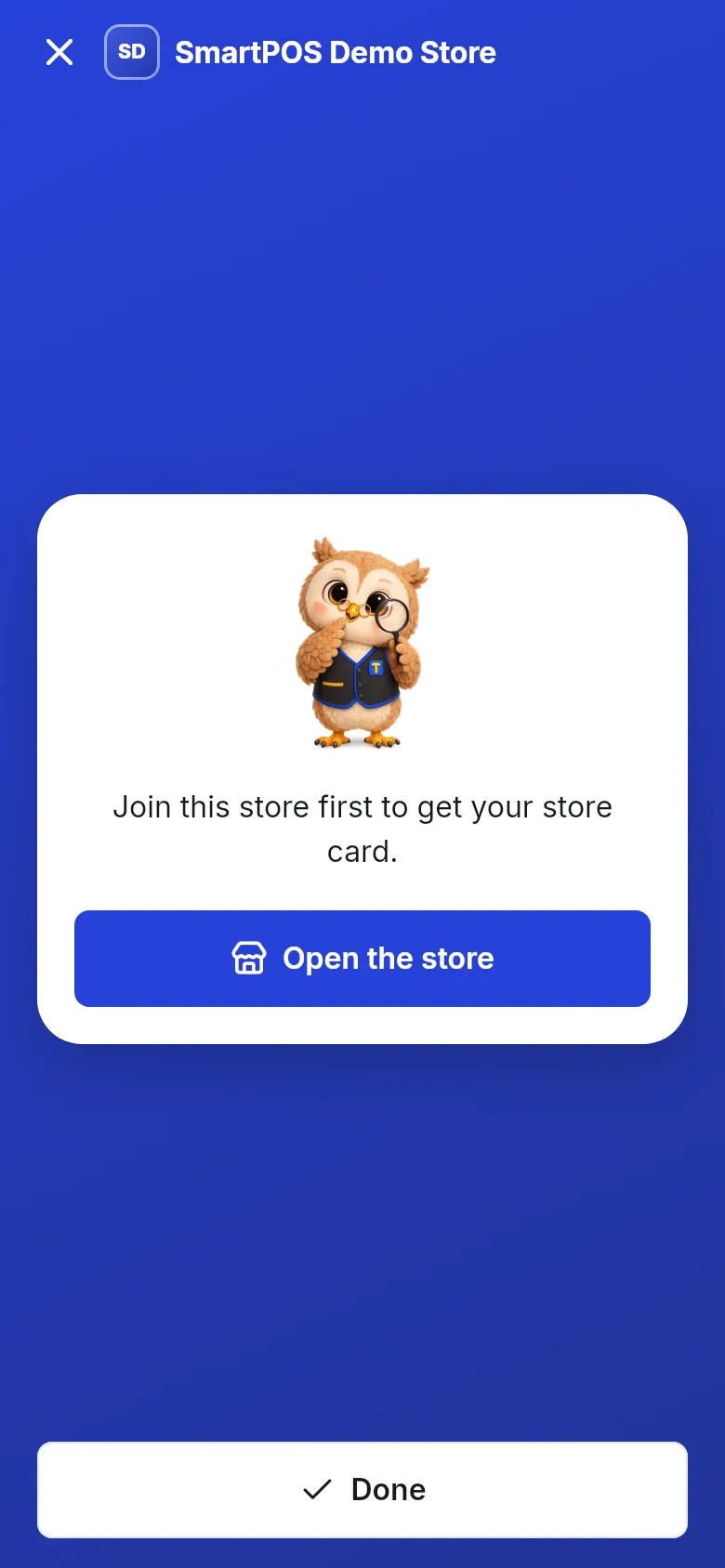
| Join this store first to get your store card. | You are not a member. | Tap Open the store and join. |
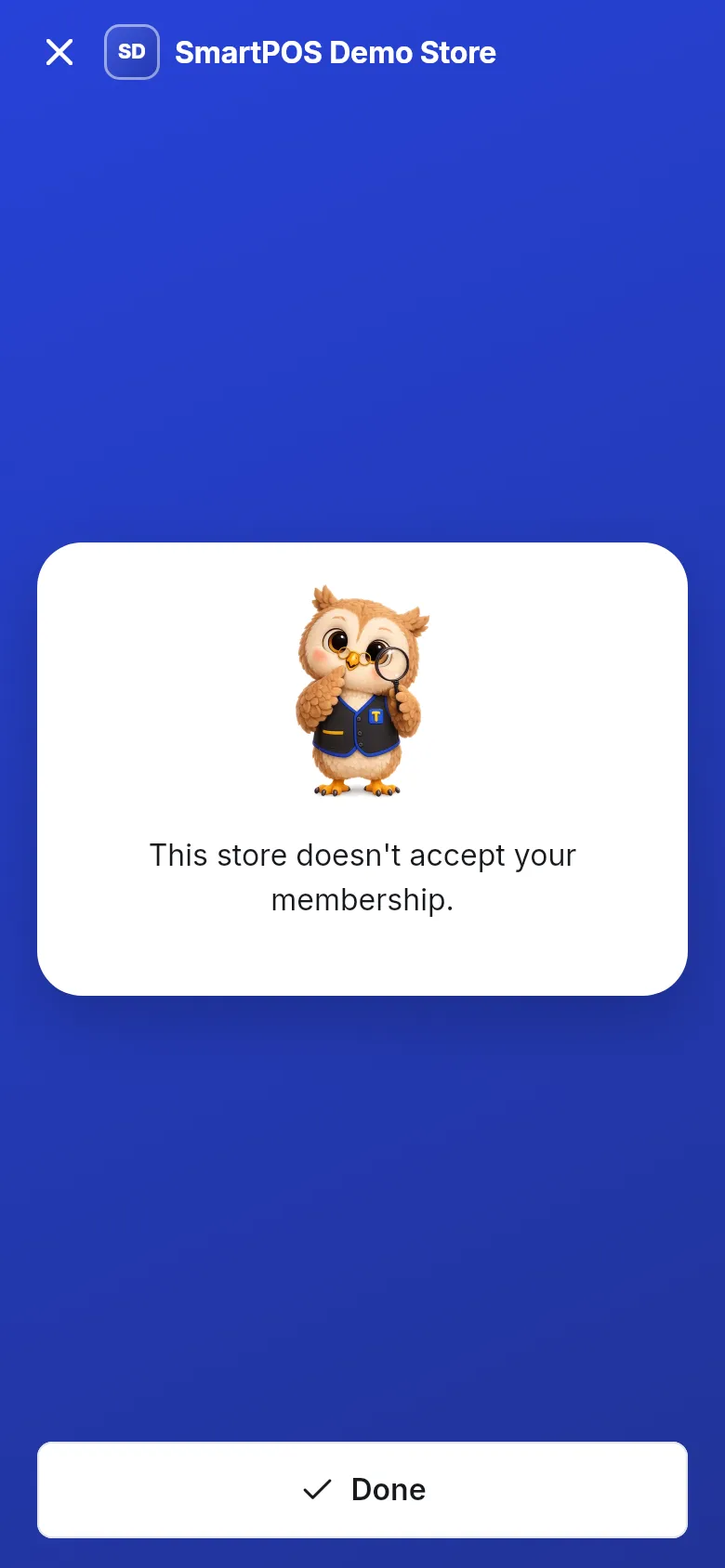
| This store doesn’t accept your membership. | The store declined your membership. | Contact the store if you think this is a mistake. |
Tips and mistakes to avoid
Section titled “Tips and mistakes to avoid”- Open it at the counter, not before. Each card lasts only 3 minutes.
- Use the right store’s card. A card from one store never works in another.
- Screenshots don’t work. A code works only once, so an old screenshot is refused. Read why the code changes.
- Using Scan & Go? Show the cart code instead; it already tells the cashier who you are.
Frequently asked questions
Section titled “Frequently asked questions”What does the store card do?
It tells the cashier who you are. When they scan it, the purchase they ring up is saved to your account at that store, so the receipt appears in the app and any reward points are added.
Why does my store card code keep changing?
For your safety. Each card works only in this store, only once, and only for 3 minutes, so a photo or screenshot of it is useless to anyone else. The app shows a fresh card automatically while the screen is open.
My card says "This card has expired". What now?
Tap Show a new card. The new card is valid for another 3 minutes.
I have no internet at the counter. Can I still use the card?
The store card needs internet. Without it, the app suggests giving the cashier your phone number instead, so they can find you another way.
My membership is still waiting for approval. Can I use the card?
Yes. The card says "The cashier will approve your membership when they scan this card." A cashier who is allowed to add customers approves you on the spot.
Do I need a separate card for each store?
The app makes one for each store you joined. Open My store card from the store you are in; a card from one store never works in another.
Do I need the store card if I use Scan & Go?
No. The Scan & Go cart code already identifies you. The store card is for when you bring your items to the till the normal way.