

Open it when it's your turn
You don’t need the card while you wait in line. Open My store card when the cashier is ready.
Your SmartPOS Shopper store card shows a new code every 3 minutes because each code is a one-time pass. It works only in the store you opened it for, only once, and only for a short time. That way nobody can reuse a photo or screenshot of your card to put their shopping on your account or see your purchases.
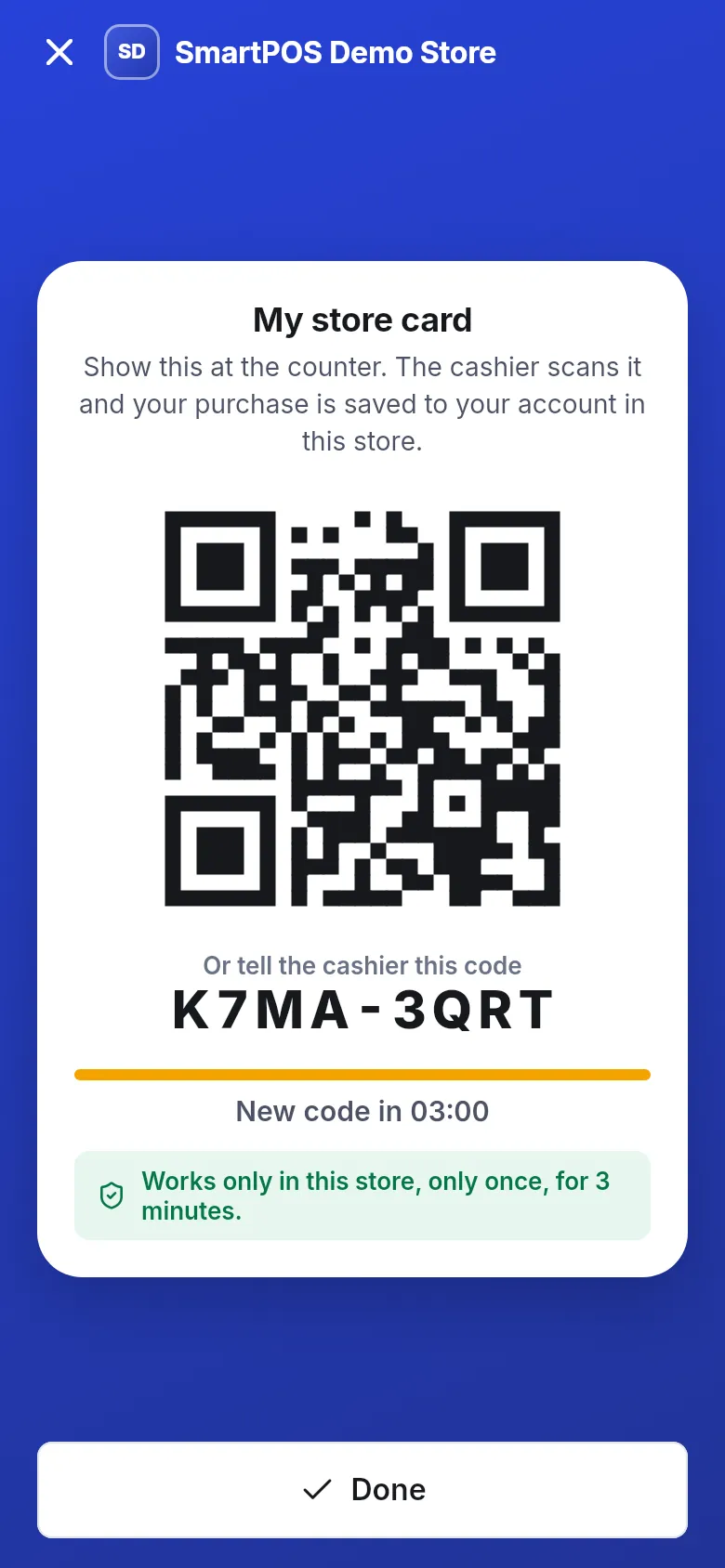
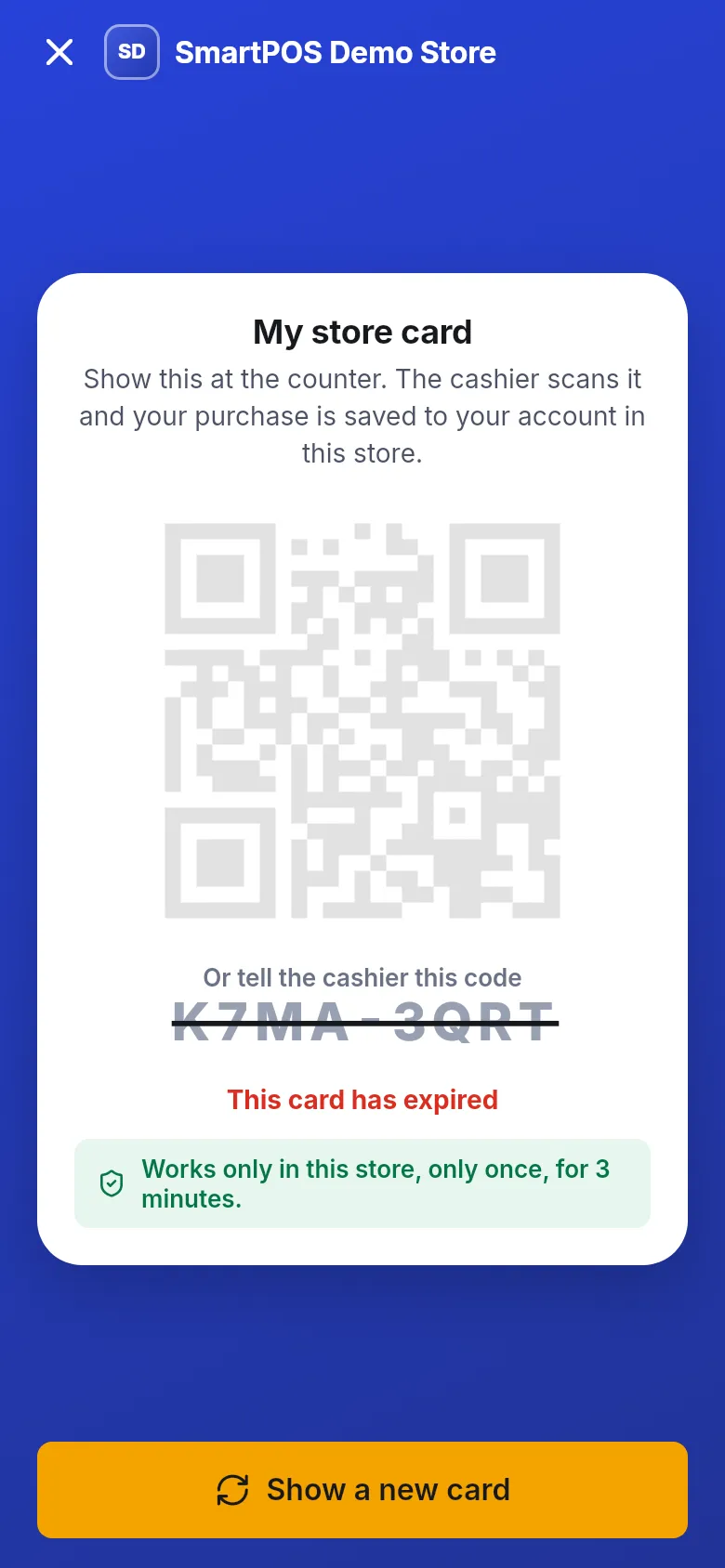
The card itself says it: Works only in this store, only once, for 3 minutes.
| Rule | What it means for you |
|---|---|
| Only in this store | A card opened for one store can never be used at another store, not even another store that uses SmartPOS Hub. |
| Only once | As soon as a cashier scans it, that code is used up. A second scan of the same code is refused. |
| For 3 minutes | After 3 minutes the code stops working. The app shows New code in with a countdown and replaces it by itself while the screen is open. |
When you open a new card, any older card you didn’t use is cancelled too.
A fixed code can be copied. Anyone who saw it, photographed it, or found an old screenshot could show it at the counter. Your purchases and receipts would then be saved to your account, or their shopping to yours.
A short-lived, one-time code removes that risk:
Phone numbers you add to your profile are not verified, so anyone could type any number. SmartPOS Hub therefore never uses a phone number to match you to an account automatically. Your account at a store is linked to your verified e-mail, the one you sign in with, and the store card proves at the counter that it is really you.
If you have no internet at the counter, the app suggests you give the cashier your phone number. Staff can then look you up by hand, but nothing is linked automatically.
Open it when it's your turn
You don’t need the card while you wait in line. Open My store card when the cashier is ready.
Or keep the screen open
While the card screen is open, the app shows a fresh code by itself whenever the old one runs out.
Expired? One tap
If you see This card has expired, tap Show a new card. It takes a second.
Can't scan?
Read out the code under Or tell the cashier this code. The same rules apply to the typed code.
Can I save my store card as a screenshot to use later?
No. Each code works only once and expires after 3 minutes, so a screenshot stops working. Open My store card when you are at the counter instead.
What if someone photographs my store card?
The photo is useless to them. The code works only in that one store, only once and only for a few minutes, and showing a new card cancels older unused ones.
Why can't the cashier just look me up by phone number?
Phone numbers in the app are not verified, so the store never matches you to an account automatically by phone. That stops a stranger who types your number from seeing your purchase history. The store card proves it is really you.
The line is slow and my card expired. Is that a problem?
Not at all. Tap Show a new card when it is your turn, or simply keep the screen open, and the app shows a fresh card by itself.
Does a store card from one store work in another store?
No. Each card is tied to one store and to your account. Another store's till cannot read it.
Is the store card the same as a loyalty card?
It does the job of one. It links your purchase to your account at that store, so receipts and any reward points are saved. Points and prices are set by each store.